
Building trust in the digital realm: Safeguarding user experience amid website threats
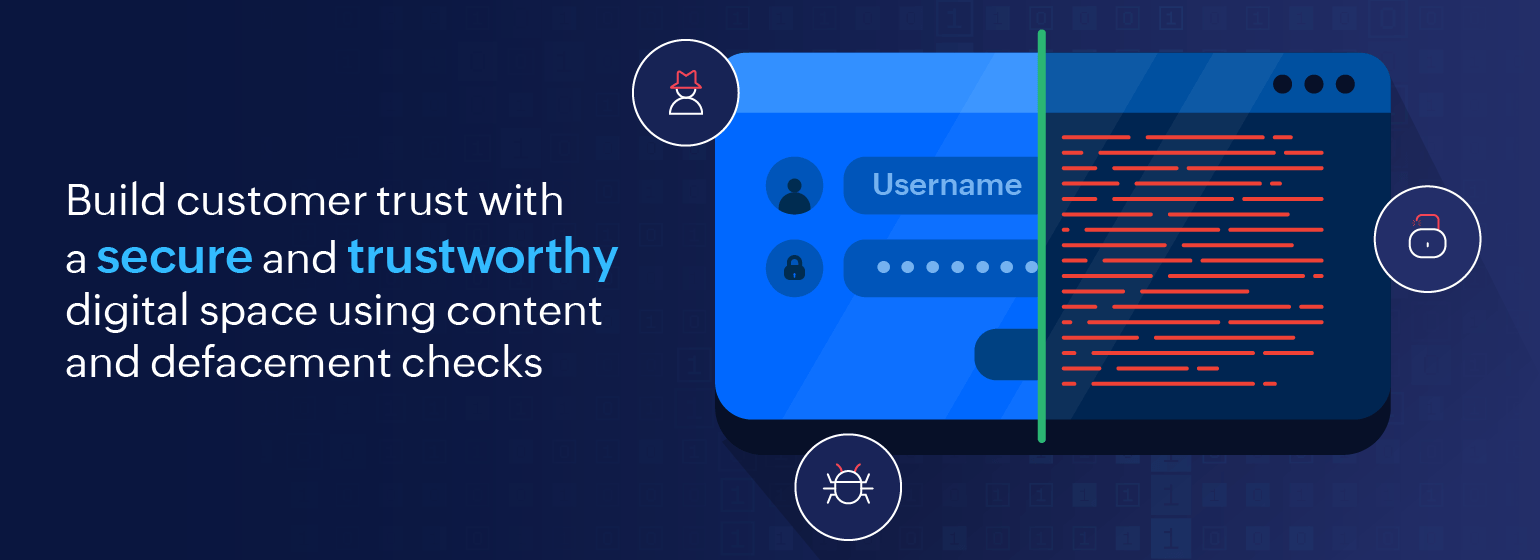
With an increasing number of organisations moving to online platforms and adding to the huge network of existing online sites, building and maintaining a trustworthy platform is of paramount importance for business. A secure platform not only safeguards sensitive information but also fosters confidence among users, paving the way for meaningful ...
Deliver efficient communication through incident templates
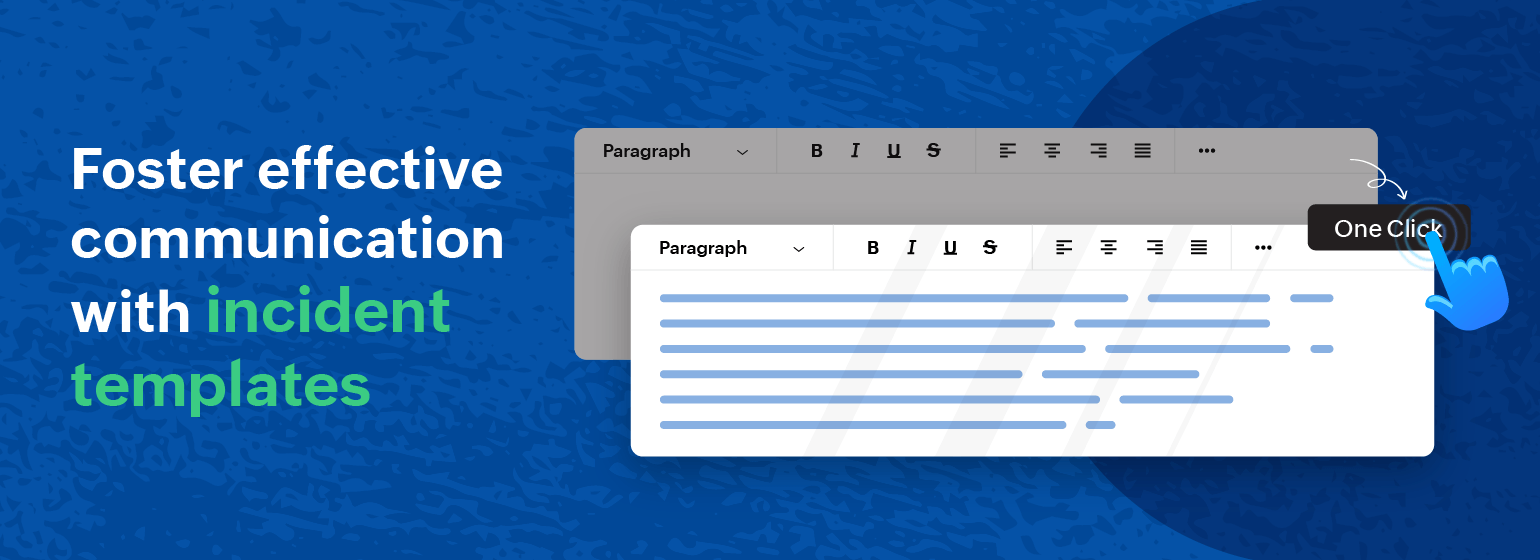
Imagine this scenario: You are a user of an online service, and suddenly you encounter a technical glitch. You head to the status page for updates, expecting clear information about the issue. However, you are met with vague or unstructured updates, leaving you uncertain about the severity and resolution timeline of the problem. This lack of a s...
Top 3 reasons why you need to use Site24x7's thread dump analyzer tool

Imagine having x-ray vision for your application and seeing exactly what's happening under the hood in real time. That's what thread dumps do for your application—they are a vital component of application performance monitoring (APM) and give you a super-powered peek into its inner workings, helping you spot issues and fix them faster than you c...
Simplified onboarding using configuration rules

If your business is growing, then so too must your IT infrastructure. Servers, VMs, databases, nodes, pods, containers, and all of your digital resources spawn up and down—all in accordance to your business' needs. The catch is all of these infrastructure elements have to be monitored without it being a herculean task to your team to do so. ...
5 key metrics for identifying and troubleshooting deployment errors in Azure App Service
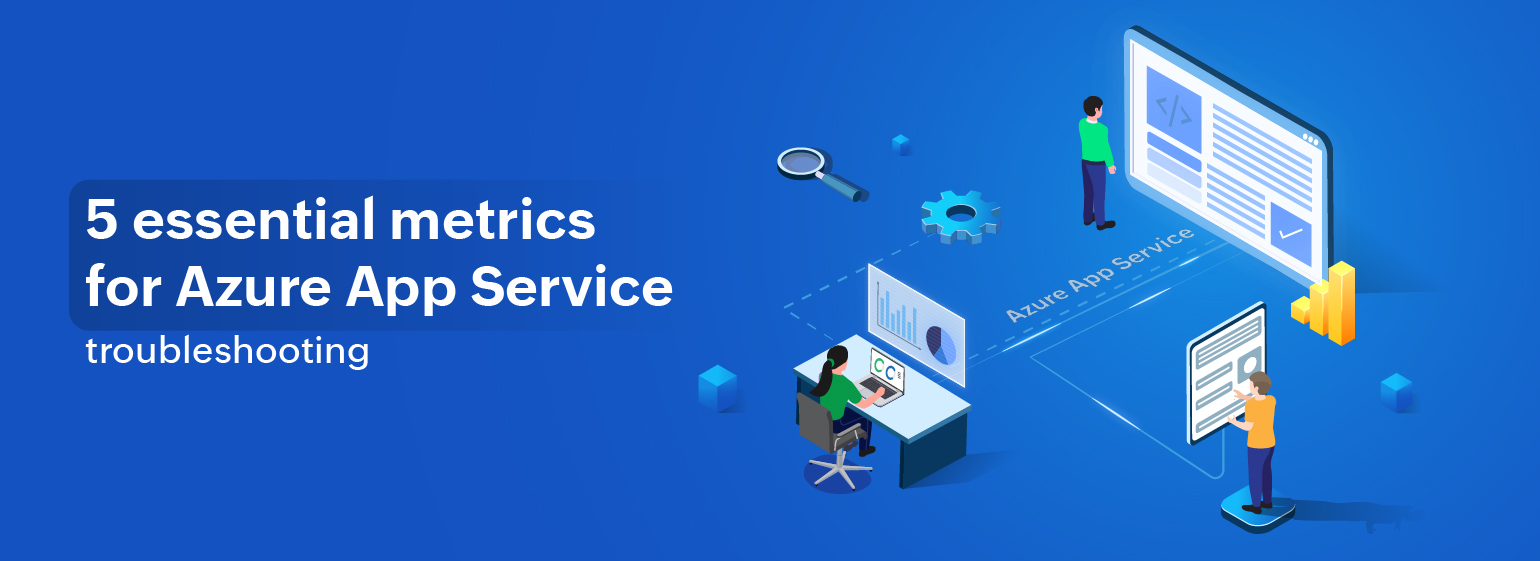
What is Azure App Service?
Azure App Service is a fully managed Platform as a Service offered by Microsoft for building web, mobile, and business applications and managing infrastructures. It helps developers build, deploy, and scale web applications and APIs swiftly, allowing developers to focus solely on their code. Businesses opt for Azure Ap...
How can multi-step synthetic transaction monitoring help your online business?
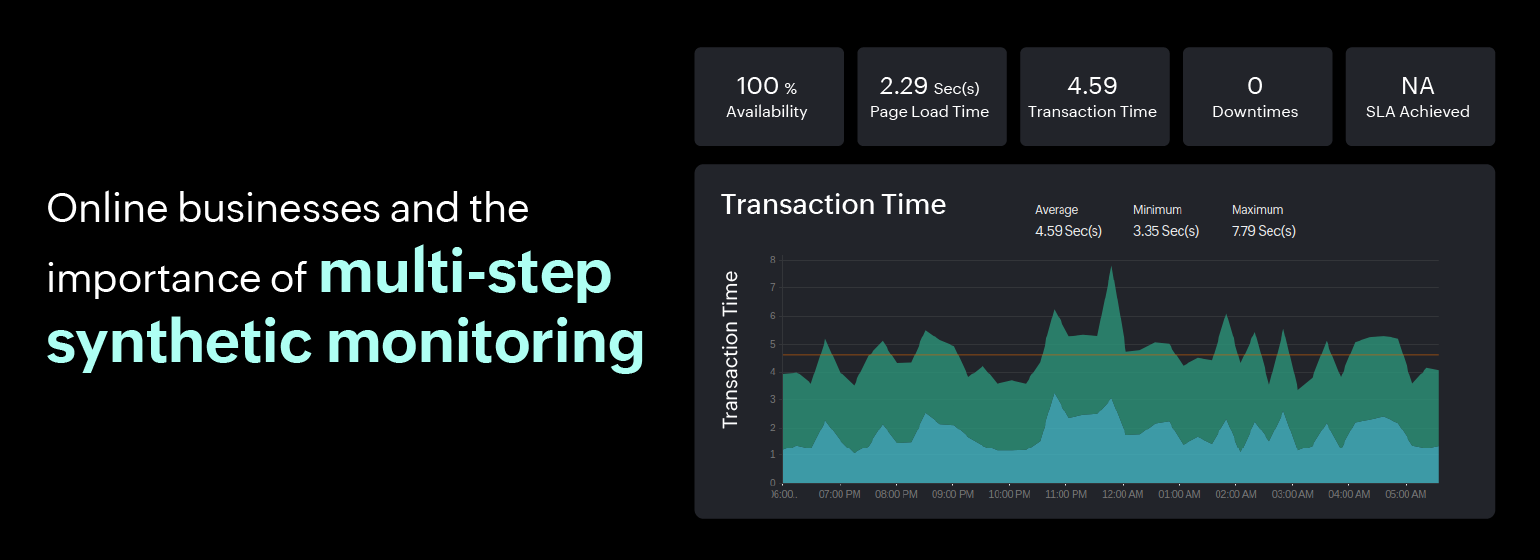
Multi-step synthetic transactions, also known as multi-step transactions or multi-step scripts, are automated tests that simulate complex user interactions with a website or web application. Unlike a single-step transaction (like page load), multi-step transactions involve a series of sequential steps or workflows that mimic real-world user jour...
Simplified device health monitoring and mapping for software-defined networks
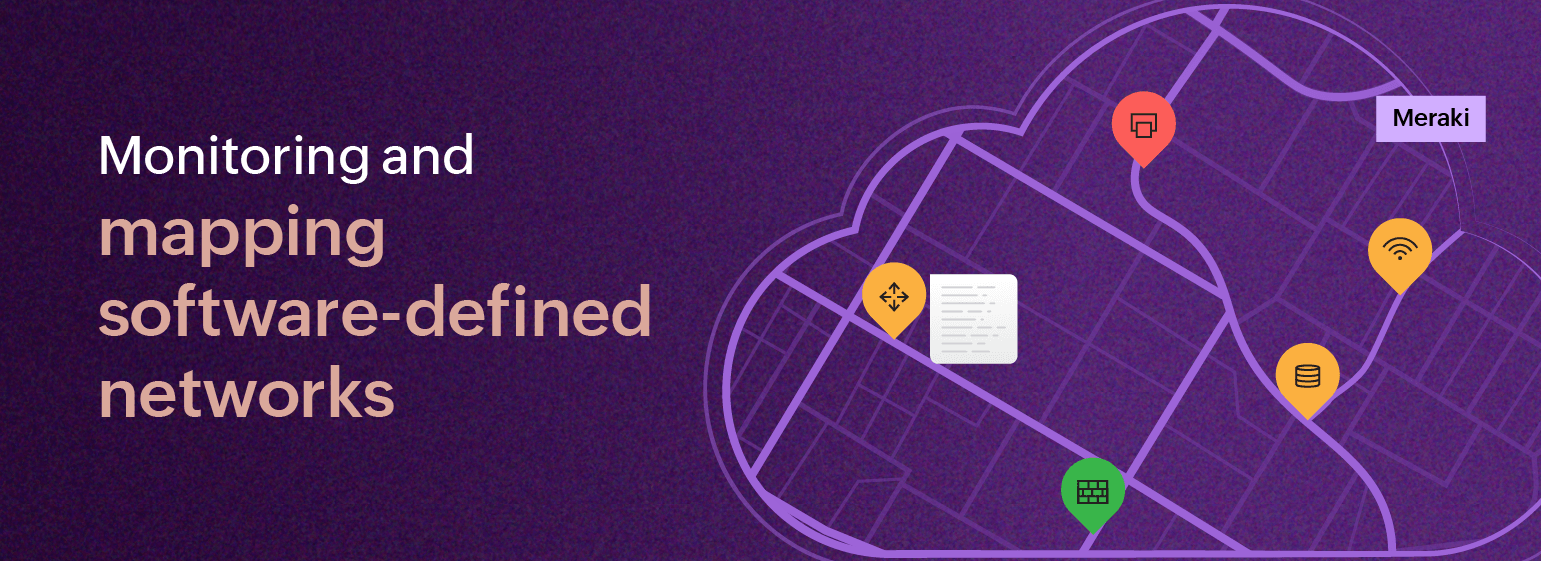
Are you juggling too many different types of network monitoring dashboards at once? If you're using software-defined networks (SDNs) and also managing traditional networks, it can be quite challenging to monitor them both at the same time since you need to remember which tool is responsible for monitoring which network and keep switching between...
Synthetic monitoring for TFA-backed applications
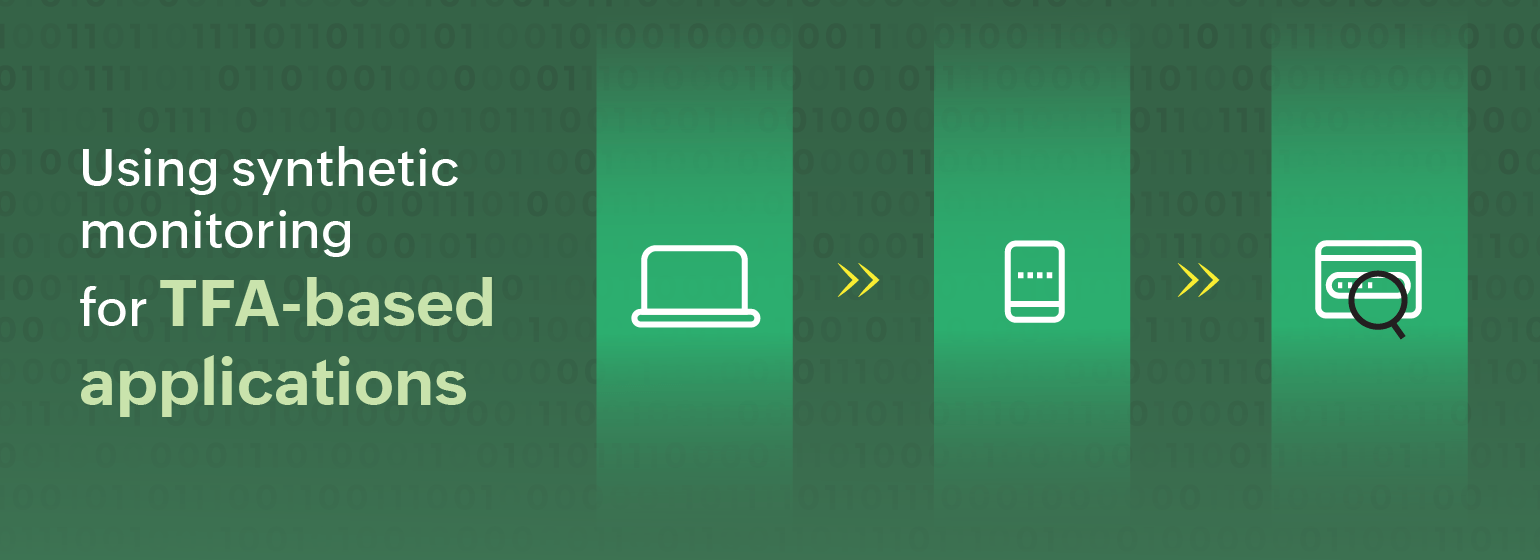
Two-factor authentication (TFA, sometimes 2FA) is a crucial security measure that adds an extra layer of protection to your online account. It goes beyond the traditional password-based authentication by requiring a second form of verification.
In TFA-backed applications, users are supposed to provide two forms of verification before gaini...
Monitoring diverse IT endpoints with custom SNMP monitoring
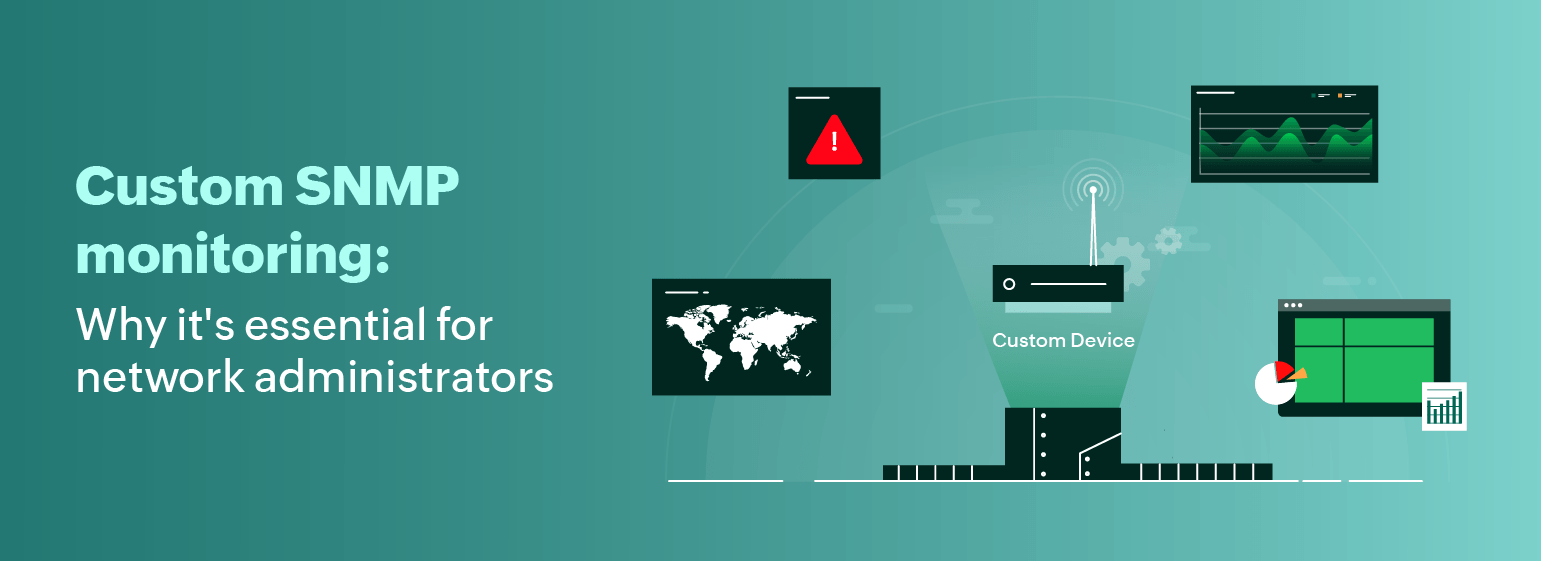
As our world becomes more connected, the number of network devices is growing at an unprecedented rate. This poses a challenge for network administrators who need to keep track of all the devices that are added to their network every day. Relying only on monitoring tools with a standard device repository may no longer be sufficient, leading ...
Ensure continuous delivery by monitoring Jenkins pipeline performance
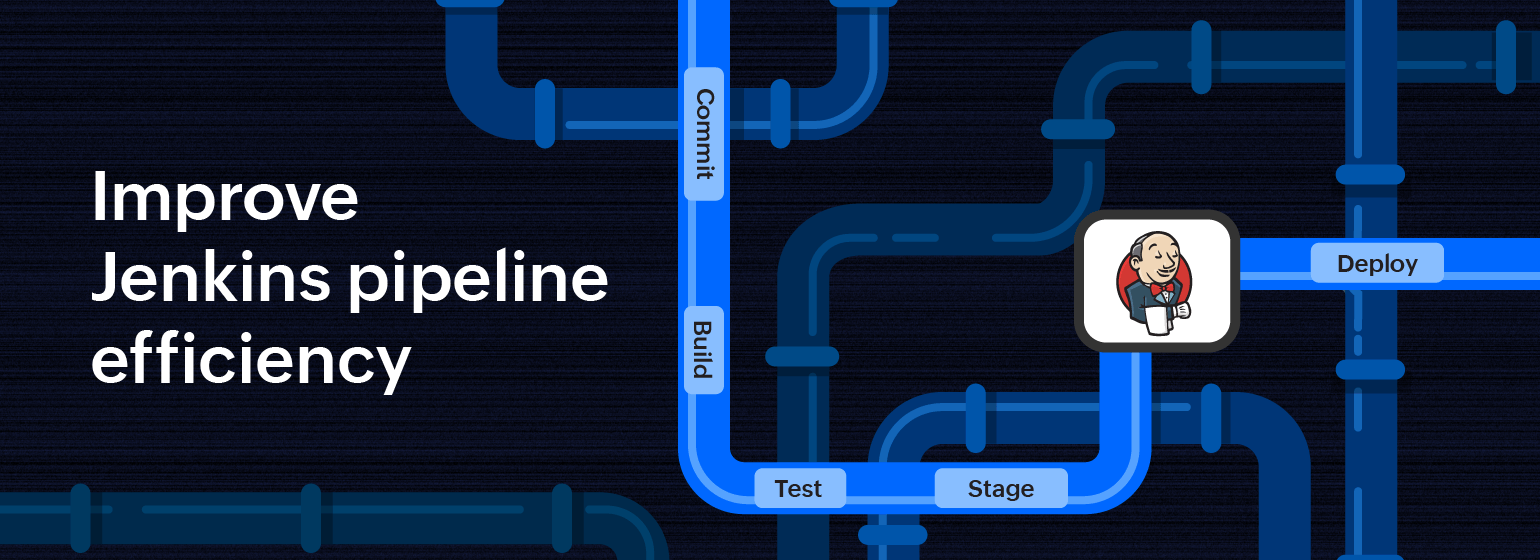
Jenkins pipelines play a pivotal role in achieving continuous delivery in software development processes. Continuous delivery (CD) is a software delivery approach aimed at ensuring that code changes are systematically and automatically prepared for release to production. In modern software development practices, CD pipelines streamline the proce...